








Key Takeaways
Mobile device management for Apple: The best solutions 2026
How do you manage a growing Apple fleet without hours of configuration work?
Mobile Device Management (MDM) for Apple devices makes exactly that possible: manage MacBooks, iPhones and iPads centrally, configure them automatically and secure them reliably – whether you have ten or a hundred devices. The market offers a wide range of solutions, from free entry-level options to complete IT service packages. This article gives you a structured overview of the best MDM solutions for Apple devices in 2026 and helps you make the right choice for your business.
Manage your Apple devices professionally – without an in-house IT team? Find out how deeploi takes over Apple device management for your business.
What does mobile device management mean for Apple devices?
Mobile Device Management (MDM) for Apple is essentially remote control for company devices. Instead of picking up every MacBook or iPhone individually, you configure, secure and manage your entire device fleet from a central dashboard. Providers like deeploi can also handle many of these steps for you.
Technically, three components work together: Apple Business Manager as the enrollment portal, APNs certificates as the encrypted communication channel between the MDM server and device, and configuration profiles that automatically push settings and apps to devices.
Important: Apple provides the framework – an MDM software or an all-in-one IT solution puts it into practice. What matters is who takes responsibility for ongoing operations, deploys updates and responds quickly when issues arise. Even the best tool is useless without clear accountability.
Apple Business: What it can do – and where it falls short
Since April 2026, Apple has been offering its own basic MDM functionality with Apple Business for the first time. The platform builds on Apple Business Manager and adds direct device management features: blueprints for automatic device configuration, basic security policies, and integrated email and calendar services.
For small teams with straightforward requirements, this is an interesting option. However, the limitations become apparent quickly: advanced automation, granular security policies, GDPR-compliant documentation or managing mixed device environments are not possible with Apple Business. A support model is also completely absent.
Apple Business Manager vs. MDM software
A common misconception: Apple Business Manager is not an MDM. It is the enrollment portal – the link between device purchase and automatic configuration. ABM registers Apple devices and assigns them to an MDM solution. Enforcing policies, distributing apps or applying security settings is beyond its capabilities.
Apple Business Manager handles three core tasks:
- Device registration via Automated Device Enrollment: New devices are automatically detected and assigned to the MDM as soon as they are switched on.
- Management of Managed Apple Accounts – managed work accounts that are cleanly separated from personal Apple IDs.
- App distribution via the Volume Purchase Program, which allows apps to be procured centrally and assigned to employees.
One important practical note: Devices not purchased through authorised resellers cannot be automatically enrolled in ABM. They must be added manually via Apple Configurator, which requires physical access to each individual device. This is a common stumbling block, especially with existing device fleets.
The 5 best Apple MDM solutions compared
There is no universally best MDM solution. Which option fits depends on company size, IT competence and compliance requirements. The table below provides a structured overview:
deeploi: Complete IT service for businesses
deeploi is not limited to MDM software – it is a complete IT service. Rather than just providing a tool, deeploi takes over the entire IT operation: from device configuration to ongoing IT support. For businesses without an in-house IT department, this means no learning curve with MDM interfaces, no troubleshooting update issues, no late-night Googling of error messages.
Strengths:
- → Zero-touch deployment: New employees receive fully configured Apple devices delivered directly to their workplace – whether at home or in the office.
- → Workspace integration: Seamless integration with Google Workspace and Microsoft 365.
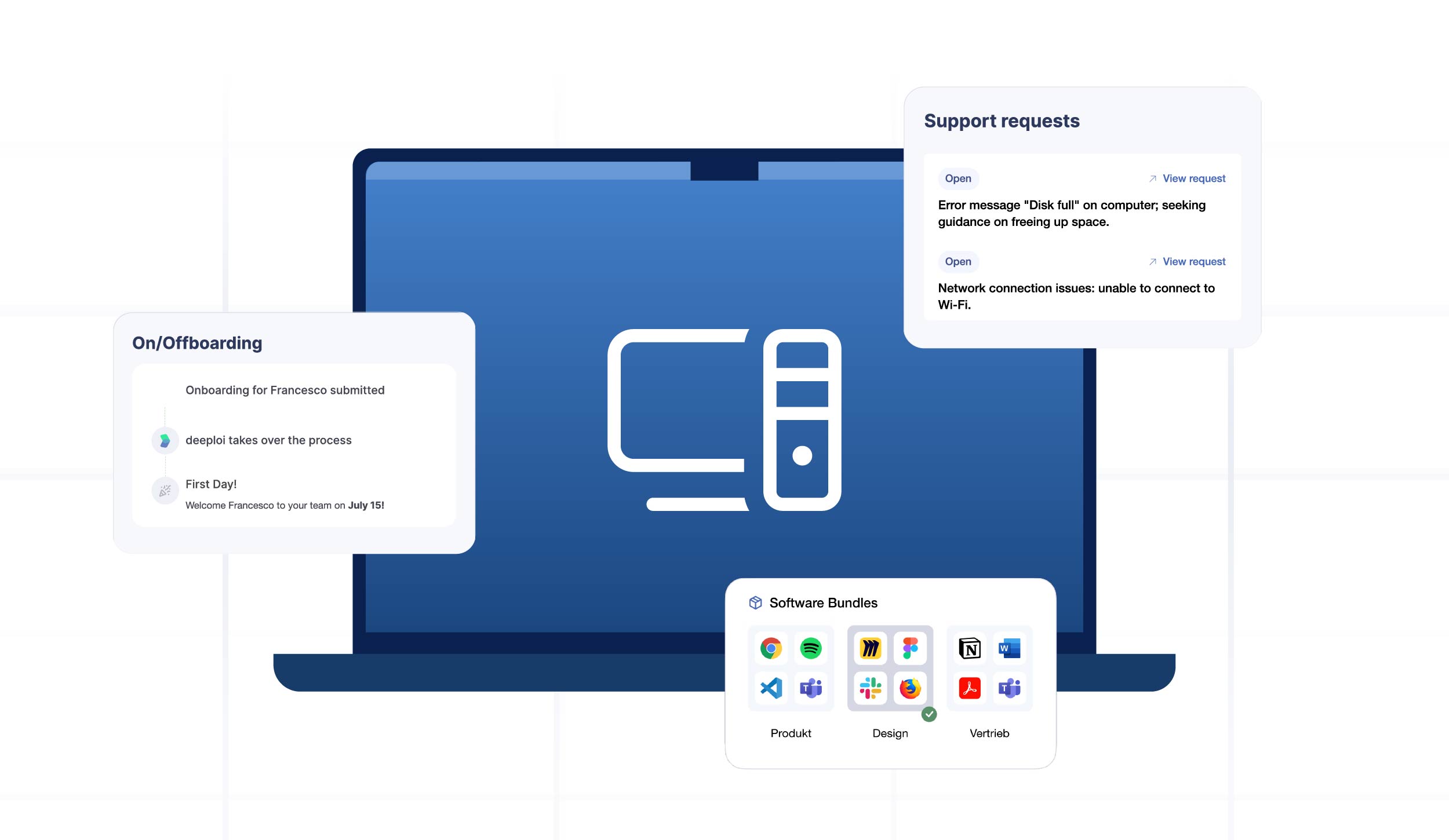
- → Automated on-/offboarding: Integration with HR systems like Personio, HiBob or BambooHR in 3–5 minutes instead of hours.
- → Proactive monitoring: deeploi continuously monitors your IT setup and intervenes before issues disrupt operations.
- → Support response time: Average 12 minutes to reach an expert helpdesk agent (SLA: 30 minutes). Support available in English and German.
- → Security & compliance: ISO 27001-certified, GDPR-compliant as a German provider.
- → Cost savings: Up to 75% cheaper than traditional managed service providers.
- → Included: Patch management, policy enforcement, remote lock & wipe, software deployment.
Limitations: For companies with a dedicated IT team that want maximum personal control over every individual MDM policy, specialised tools may be the better fit.
deeploi keeps your IT running optimally – so your team can focus on their core work.
Experience deeploi live in our demo
Jamf: The MDM with an Apple focus
Jamf offers two variants aimed at different needs. Jamf Now stands out for its simple setup and is well-suited to smaller teams without deep IT knowledge. Jamf Pro delivers maximum control, extensive automation and compliance features – but requires IT expertise and considerable configuration effort.
Strengths: Jamf specialises in Apple and offers one of the deepest Apple integrations on the market, a strong community and proven enterprise features.
Limitations: Jamf Pro requires significant IT expertise. Configuration, maintenance and ongoing policy updates demand permanent internal staff. For companies that do not run an exclusively Apple fleet, Jamf's Apple-only focus may not always be the best fit.
NinjaOne: MDM as part of a broader IT management platform
NinjaOne is not a pure MDM solution but a Unified Endpoint Management (UEM) platform with integrated MDM functionality. This makes it relevant for businesses that also need to centrally manage Windows laptops alongside Apple devices.
Strengths: Cross-platform management, integrated patch management, RMM functionality for monitoring and remote maintenance.
Limitations: Setup requires basic IT knowledge, and the pricing model is only available on request, which limits transparency. Since mid-2025, initial support contact at NinjaOne has increasingly been handled by an AI chatbot. A paid premium support plan is required for guaranteed response times with a human point of contact.
Miradore: Low-cost entry with basic MDM features
Miradore targets small teams with limited budgets who want to take their first steps in device management. The platform offers a freemium model and supports Apple, Windows and Android.
Strengths: Low barrier to entry, cross-platform support, straightforward basic configuration features.
Limitations: Limited automation, no full IT service, restricted GDPR documentation and limited depth for Apple-specific features. As soon as compliance requirements grow or the device fleet becomes more complex, teams quickly hit Miradore's ceiling.
Microsoft Intune: The enterprise option for mixed device environments
Microsoft Intune is not a traditional MDM tool but part of the Microsoft 365 ecosystem. Organisations already using Microsoft 365 Business Premium or Enterprise E3/E5 often have Intune included at no additional cost – making it the obvious choice for some. Intune is at its strongest when Windows, Apple and Android devices all need to be managed together.
Strengths: Seamless M365 integration, extensive policies and conditional access, cross-platform management, and already included in many existing licences.
Limitations: Configuration effort is high and requires dedicated IT expertise. Apple-specific feature depth remains lower than with other solutions.
Which MDM solution fits your business?
The best MDM solution is not the one with the most features – it is the one that matches your team size, IT expertise and compliance requirements. The three profiles below help you find the right direction.
Small team without an IT department (up to ~50 employees): Apple Business is sufficient for the most basic device management needs. As soon as security, data protection or compliance come into play, a complete IT service like deeploi is the better choice. Self-managed solutions quickly become overwhelming without IT know-how. The hidden costs are not the licence fees – they are your own working time. With deeploi, operational IT overhead is reduced by up to 95%: devices, accounts and IT tasks all run centrally through one platform.
Growing business with some IT competence (50–200 employees): Jamf or NinjaOne work well when in-house expertise and capacity for configuration and maintenance are available. If growth outpaces IT team-building, a complete IT service like deeploi takes the load off and ensures that policies and security do not fall by the wayside.
Business with a dedicated IT team (200+ employees): Jamf Pro or Microsoft Intune offer maximum control and depth for managing Apple devices. The investment in configuration and ongoing maintenance is worthwhile here because qualified staff are available to manage the systems long-term. For IT teams looking to free up capacity for more strategic or complex projects, deeploi can be a valuable complement – routine tasks like patch management, onboarding and support are simply outsourced and automated.
For everyone who does not want to run MDM themselves, a complete IT service like deeploi offers an alternative that delivers MDM, support and compliance from a single source.
MDM for Apple devices without the IT overhead – with deeploi
Manage Apple devices securely, enforce policies and get new employees up and running in minutes rather than hours – all without an in-house IT team. As a complete IT service, deeploi takes over all Apple device management and delivers everything pure MDM tools do not cover.
- → Zero-touch deployment: Fully configured devices delivered directly to employees
- → Workspace integration: Seamless connection with Google Workspace and Microsoft 365
- → Proactive monitoring: deeploi continuously monitors your IT setup and intervenes before issues disrupt operations
- → On-/offboarding in 3–5 minutes instead of 2–3 hours
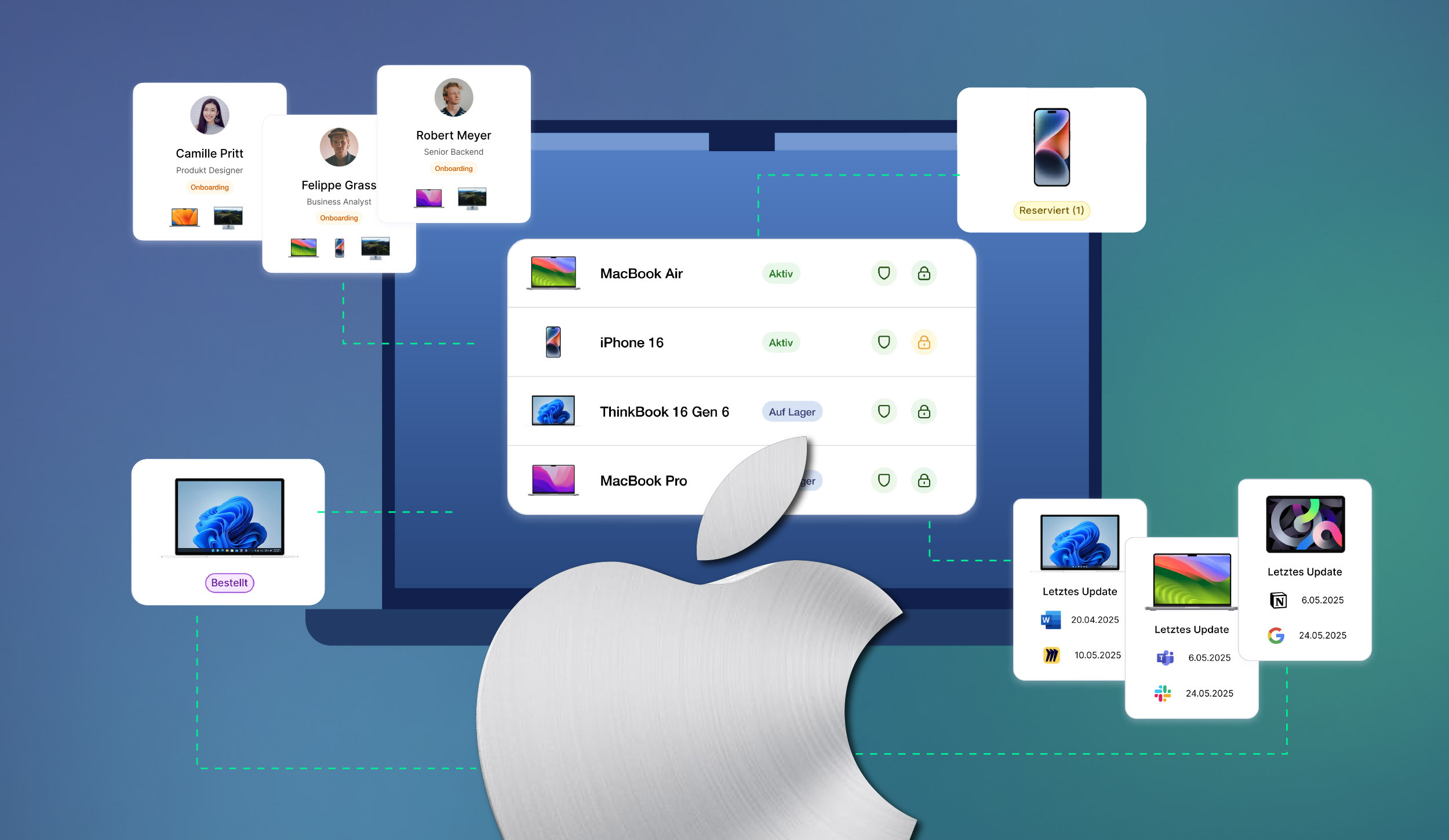
- → Central device dashboard for a complete overview of all Apple devices and laptops
- → Automated patch management for operating systems and software
- → Policy enforcement and security configuration without manual effort
- → Remote lock & wipe in the event of loss or theft

The key difference from pure MDM solutions: deeploi combines a modern platform with an expert helpdesk that responds in an average of 12 minutes. Add to that HR system integration – with Personio or BambooHR, for example – GDPR compliance as a German provider with ISO 27001 certification, and up to 75% cost savings compared to traditional MSPs.
End-to-end Apple management – no technical expertise required
For businesses that want to professionalise their Apple device management without becoming MDM experts themselves.
Conclusion: The right Apple MDM solution for your business
The wealth of MDM options makes one thing clear: businesses without an in-house IT department do not need software that assumes IT expertise. Jamf Pro, Intune and the like are powerful tools – but only for teams that can actually operate them. For everyone else, self-management tends to create more work, not less. The hidden costs rarely lie in the licence fee but in your own working time: configuration, maintenance, troubleshooting and compliance documentation. Anyone who underestimates this ends up paying significantly more in time, stress and security risk.
For businesses that want professional Apple device management without becoming their own IT department, a complete IT service like deeploi is the logical choice: MDM, support and compliance from a single source, at transparent costs and with no hidden fees.
FAQ
Do I need MDM for Apple devices in my business?
From around ten devices, manual management quickly becomes confusing and error-prone. Without MDM, there is no visibility into which Apple devices are in circulation, whether updates have been applied, or whether former employees still have access to company data. As team size grows, compliance requirements increase too. At this point, MDM is no longer optional – it is a basic requirement.
Can Apple Business replace a third-party MDM?
For very small teams with simple requirements and no compliance pressure, Apple Business may be sufficient as a starting point. However, as soon as advanced automation, granular security policies or a support model are needed, Apple Business is no longer enough.
Is MDM for Apple devices GDPR-compliant?
The MDM protocol itself is technically neutral. GDPR compliance depends on correct implementation: What data is collected? Where is it stored? Is there a data processing agreement with the provider? For businesses in the DACH region, a European provider with demonstrated GDPR compliance is recommended.
What does MDM for Apple devices cost?
The cost range is broad: Miradore offers a free entry-level plan, while Jamf Pro and Microsoft Intune are positioned in the enterprise segment. Hidden costs should not be underestimated: implementation effort, paid onboarding sessions, ongoing maintenance and the IT expertise required all significantly increase the real price. A complete IT service like deeploi offers transparent per-user, per-month pricing with no hidden fees.