







Key Takeaways
Why Laptop Management Becomes a Problem Fast
Monday morning, new hire starting, but the laptop from the colleague who left last month isn't in any list anymore. Nobody knows if it was returned, wiped, or simply forgotten. This is exactly what happens once a company grows past a handful of laptops and management still lives in a spreadsheet, or in one person's head.
Managing company laptops means more than keeping an inventory list. It means always knowing who's using which device, whether updates and encryption are active, and how the company responds if a laptop is lost or stolen. Without structure, three problems show up fast: devices with no assigned owner, outdated security settings, and in the worst case, a data breach that surfaces months later.
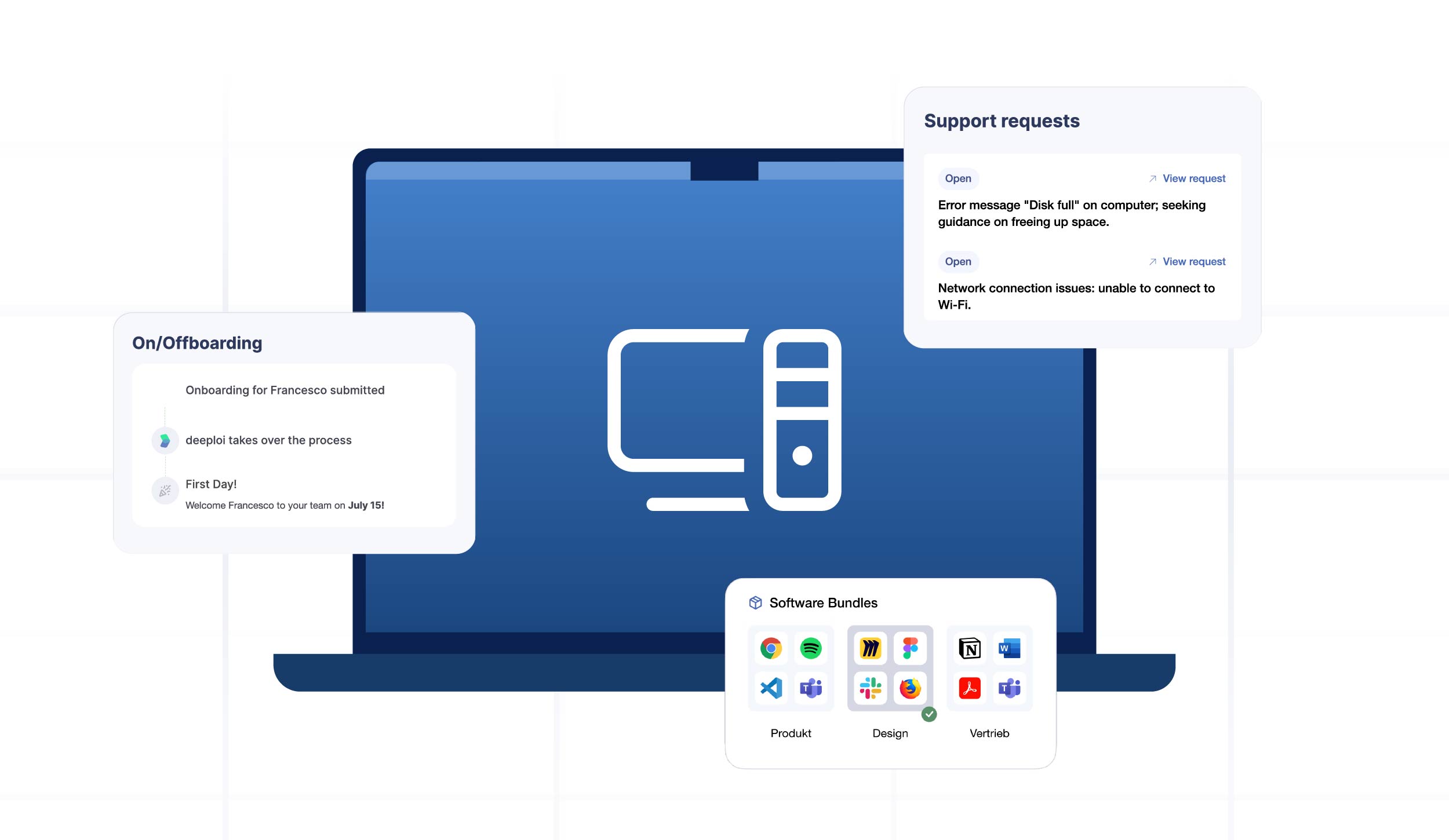
deeploi automates exactly this process for companies without an in-house IT team: from ordering to setup to remote lock in case of loss, all through one central platform.
What Structured Laptop Management Actually Includes
A Central Inventory Instead of Spreadsheet Chaos
Every company laptop needs a digital twin in the system: serial number, current user, location, purchase date, installed software, and security status. Once a company manages more than 15-20 devices, a manually maintained spreadsheet becomes a liability. Changes get missed, duplicates appear, and nobody's sure which device is actually in use where.
Automated inventory through device management solves this: every laptop reports its own status to a central platform in real time, with no manual entry required.
Keeping Updates and Security Policies Centralized
A laptop that hasn't received a security update in three months is an open door. Patch management keeps the operating system and applications current automatically, without relying on employees to remember. This also covers baseline security policies: disk encryption, password complexity, and automatic screen locks.
This gets complex fast with mixed device fleets of Windows and Apple laptops. Managing both separately means double the work. A cross-platform MDM system brings both into one dashboard.
Loss and Theft: The Worst-Case Scenario
A lost or stolen company laptop is more than a hardware cost. Once sensitive customer data is involved, industry estimates put the total cost at well over $49,000, factoring in investigation, potential data loss, and lost productivity. Response time matters most: reporting the loss immediately allows accounts and access to be locked fast, sharply limiting the damage.
A structured process for the worst case includes:
- Immediate reporting: A clear point of contact or ticketing system for reporting loss without delay.
- Remote lock: The device is locked remotely right away, regardless of its physical location.
- Data wipe: Company data can be wiped remotely if needed, with no physical access to the device required.
- Documentation: The incident is logged completely for GDPR purposes.
For the full step-by-step response, see the guide for lost or stolen company devices.
{{cta}}
How to Manage Company Laptops in Practice: Step by Step
Step 1: Take Stock
Start by identifying every laptop currently in circulation, including the ones that have fallen off the list entirely. Fast-growing companies often turn up "ghost devices" nobody is responsible for anymore.
Step 2: Set Up a Central Platform
An MDM system registers every laptop automatically and sets policies for encryption, passwords, and updates. With zero-touch deployment, new devices configure themselves the moment they reach the employee, with no manual setup from IT required.
Step 3: Assign Clear Ownership
Every laptop needs one clear owner: the current user. This assignment needs to update automatically during onboarding, offboarding, or role changes, ideally pulled straight from the HR system.
Step 4: Automate Day-to-Day Operations
Updates, security checks, and compliance reviews should run in the background, not sit as a manual task on a to-do list. Automated alerts flag any device that drifts from policy immediately.
Step 5: Define a Process for Returns and Emergencies
What happens when an employee leaves, or a laptop is lost? Both scenarios need a clear process defined in advance, not improvised handling in the moment.
How deeploi Manages Company Laptops
deeploi brings inventory, security, and support for company laptops together in one platform, built specifically for companies without an in-house IT team:
- Real-time inventory: Every laptop's status, user, and location is visible at any time, no more spreadsheet chaos.
- Zero-touch setup: New laptops configure themselves automatically on first boot, including security policies and apps.
- Automated updates: Patch management runs in the background, across both Windows and Apple.
- Remote lock on loss: Devices can be locked or wiped in seconds, regardless of location.
- Personal IT support: The deeploi team responds in an average of 12 minutes (30-minute SLA), in English and German.
Over 200 companies already use deeploi to manage their company laptops centrally, with a 4.8/5 rating on OMR Reviews. For a deeper dive into the full device lifecycle, see the IT asset management lifecycle guide.
Conclusion
Managing company laptops isn't about maintaining a perfect spreadsheet by hand, it's about having a system that keeps inventory, updates, and security incidents under control automatically. For companies without an in-house IT team, a central platform like deeploi is the most direct path there, no IT degree required.
{{cta}}
Frequently Asked Questions
At how many laptops does a central management system become worth it?
Around 10-15 devices is where a spreadsheet becomes unreliable. From that point on, an automated system that centralizes inventory, updates, and security policy pays off.
What should I do if a company laptop is lost?
Report the loss immediately, lock the device remotely, and wipe company data if necessary. The faster the response, the lower the potential damage. See the emergency guide for lost devices for the full process.
Do I need an in-house IT team to manage company laptops?
No. Platforms like deeploi are built specifically for companies without a dedicated IT team and handle setup, maintenance, and support directly.
Can I manage Windows and Apple laptops in one solution?
Yes, cross-platform MDM solutions support Windows and macOS simultaneously through one central dashboard, without needing separate tools per operating system.
What should a laptop inventory include?
At minimum: serial number, current user, location, purchase date, installed software, and security status. Optionally, cost center and planned replacement date.