







Key Takeaways
- Total cost of ownership matters more than sticker price: Mac costs more upfront but lasts five to seven years on average; Windows offers lower entry costs but shorter refresh cycles and higher security tooling overhead.
- Your software stack decides more than your preference: DATEV and legacy ERP tools lock many DACH finance and ops teams into Windows. Creative, development, and remote-first teams consistently favor Mac.
- Neither platform is more secure by default: The bigger risk is unmanaged devices, not the OS. Consistent policy enforcement and MDM enrollment matter more than which logo is on the lid.
- Most SMBs end up with both, whether they planned for it or not: Mixed fleets are the norm, not the exception. The question is whether your IT setup can handle whichever combination your team needs.
- A single management layer makes the choice less permanent: deeploi covers Mac, Windows, and iOS from one dashboard, so onboarding, offboarding, and compliance work the same way regardless of which device a new hire receives.
The real question behind the Mac vs. Windows debate
You're onboarding five new hires next month. Three want MacBooks, two are already on Windows, and nobody on your team has a dedicated IT person. That is what actually drives this decision for most small and mid-sized businesses.
The stakes aren't really about which logo sits on the lid. They're about ending up with a fleet you can't manage, secure, or scale without hiring someone whose entire job is keeping laptops running. Both platforms are strong in 2026. The honest answer is that most SMBs end up with both, whether they planned for it or not.
This guide walks you through the factors that actually matter: total cost, security posture, device management complexity, software dependencies, and employee preference. By the end, you'll have a clear answer for your specific setup.
Fleet audit checklist: what to assess before you choose
Before comparing specs or prices, run a quick internal audit. These six questions determine whether the Mac vs. Windows conversation is even the right one to have first.
- How many devices does your company currently run? Do you have a live inventory of all of them, or are some laptops unaccounted for?
- What OS split does your fleet already have? Is standardization realistic, or will a mixed fleet always be reality?
- Which software tools are non-negotiable? DATEV, for example, is Windows-only, a significant constraint for DACH finance teams. Map every critical tool against both platforms.
- What are your compliance obligations? GDPR and NIS2 have implications for how device data is handled, where it's stored, and how access is documented.
- Who manages devices day to day? A dedicated IT person, or someone juggling IT as a side responsibility?
- What is your procurement model? Outright purchase, leasing, or renting?
If you can't answer the first two questions cleanly, start with an IT asset inventory before making any platform decision. You need to know what you have before you decide what to buy.
Step 1: Compare total cost of ownership, not just sticker price
Hardware purchase price is the least informative number in this comparison. What actually matters is the full lifecycle cost: hardware lifespan, resale value, software licensing, security tooling, and the IT management overhead each platform generates.
Mac hardware typically costs more upfront but holds value significantly longer. (Stabilise) reports that about 11.5% of Macs in enterprise last over six years, compared to just 2% of Windows devices. Most businesses refresh Windows laptops every three to four years, while Macs commonly last five to seven years. That difference compresses the per-year cost gap considerably.
Don't overlook hidden costs either. Windows environments typically require additional endpoint security licensing and dedicated patch management tooling. Mac environments may need Jamf or a comparable MDM solution unless you're using an all-in-one platform. With deeploi, hardware procurement, provisioning, and MDM are integrated, so you're not managing sourcing and device management in separate systems.
Step 2: Evaluate security and compliance out of the box
Apple's hardware-level encryption (Secure Enclave), Gatekeeper, and tight OS update cadence make macOS a strong security baseline. Microsoft Defender and BitLocker give Windows enterprise-grade protection. Because the hardware ecosystem is broader, consistent configuration across devices matters more, but the tools to enforce it are mature and widely supported.
OS update cadence is a real operational difference. Apple pushes updates aggressively, and devices tend to stay current with minimal IT intervention. Windows update behavior across a mixed hardware fleet requires more active management, especially when devices come from multiple manufacturers with varying driver support timelines.
For DACH companies specifically, GDPR requires that endpoint management data is handled within EU-hosted infrastructure. NIS2 obligations (for relevant industries) require documented endpoint controls regardless of OS. Either platform can meet these requirements when properly configured. What matters is that your MDM layer runs on EU-hosted infrastructure and maintains full audit logs, regardless of which OS you're managing.
Step 3: Assess device management complexity
Apple device management
Apple Business Manager enables zero-touch enrollment. The supervised-device model gives IT strong control over configuration, app deployment, and remote actions. It's purpose-built for managed deployments, but it requires an MDM layer to realize the full benefit.
Windows device management
Microsoft Intune and Autopilot are the most widely adopted device management tools in business, with deep enterprise capabilities and a large support ecosystem. Active Directory integration adds overhead that often exceeds SMB capacity without a dedicated IT resource. For teams without dedicated IT, the breadth of configuration options can create inconsistency if not managed carefully: devices enrolled unevenly, policies applied patchily, no single source of truth for fleet state.
The mixed-fleet reality
Most SMBs don't start with a clean slate. They inherit a mix. Managing Mac and Windows through separate tools (Jamf for Mac, Intune for Windows) doubles the admin surface and creates inventory blind spots. If you're heading toward a mixed fleet, a unified MDM like deeploi covers Mac, Windows, and iOS from one dashboard, so you're not maintaining two parallel systems.
Step 4: Match the platform to your team's workflows and software
Where Mac is the natural fit
Creative, design, and development roles benefit from native tooling like Xcode, Final Cut, and Logic Pro. Strong cross-device continuity with iPhone and iPad is a genuine productivity advantage. Remote-first companies also benefit from Apple's out-of-box experience, which reduces setup friction at scale.
Where Windows is the natural fit
Finance teams relying on DATEV (Windows-only in Germany), Excel-heavy workflows, or specialist ERP systems will find Windows indispensable. Companies with existing Microsoft 365 infrastructure and Active Directory dependencies face real friction moving to Mac. Windows also offers the broadest hardware selection, which matters for roles requiring specialist hardware at a specific price tier.
The honest take: software dependencies matter more than OS preference for most business roles. Map your critical tools before the platform debate begins. If you want a quick reference:
Step 5: Factor in employee preference and productivity
Employee preference isn't a soft consideration. Ignoring it doesn't make the problem disappear; it creates shadow IT, workarounds, and more support tickets. Employees working on an unfamiliar OS underperform for weeks after a forced switch, and that lost productivity has a real cost.
(WEI) found that 94% of workers say they are more likely to choose an employer who offers an employee device choice program. In a tight labor market, that number is hard to ignore. Survey your team before deciding. The results often confirm what you already suspect and give you data to justify a mixed-fleet approach to stakeholders.
Controlled choice is manageable: present two or three approved hardware options within defined tiers, and let employees choose within those boundaries. Standardize the management layer, not the hardware.
The verdict
Steps 1 through 5 point toward three common outcomes:
- Choose Mac as your primary OS if your team skews creative, design, or development; your software stack is platform-agnostic (Google Workspace, Slack, Figma, GitHub); you're scaling a remote-first team; or total cost over five years matters more than upfront hardware spend.
- Choose Windows as your primary OS if your organization runs on Microsoft 365, Active Directory, or Windows-native tools like DATEV; if you want the broadest hardware choice at every price point; or if your team is already productive in the Microsoft ecosystem and a switch would introduce unnecessary friction.
- Choose a managed mixed fleet if you have distinct role profiles with genuinely different platform needs, employee preference is strong enough to affect retention, and you have a unified MDM that handles both. This is the most common outcome for growing SMBs, and it is entirely manageable with the right setup.
Step 6: Centralize management so the OS choice matters less
Windows remains the dominant business OS globally, running on the majority of company devices. Mac adoption in the enterprise is growing, up 11.2% in 2025 against an industry average of 3.3% (Computerworld), particularly in tech, creative, and remote-first companies.
The practical implication: if you're managing more than ten devices, the question of which tool covers your fleet deserves as much attention as the Mac vs. Windows question itself. A tool that handles only one OS forces you to double your management overhead the moment a second platform enters the fleet.
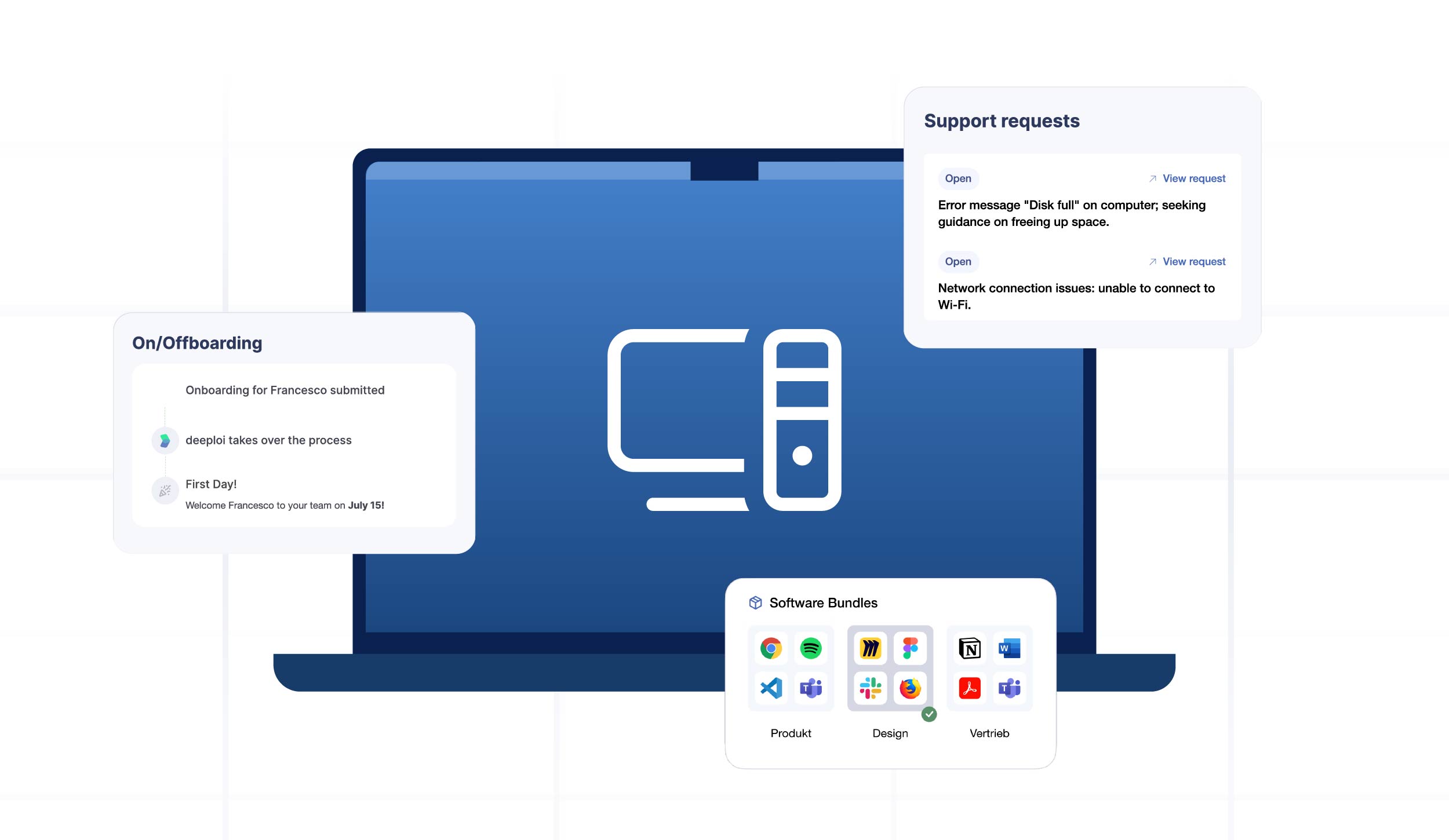
deeploi handles this reality by covering Mac, Windows, and iOS from one platform. Onboarding a new hire takes three to five minutes regardless of the device. IT services for SMBs no longer require separate toolchains for each OS. Offboarding is equally platform-agnostic: accounts deactivated, devices remotely locked, licenses reharvested, all logged for compliance. deeploi's HR integrations (Personio, HiBob, BambooHR, Factorial) trigger these workflows automatically.
Common pitfalls when switching or mixing platforms
- Software compatibility gaps found too late. Run a pilot group before full rollout. Map every tool against the new OS before committing budget.
- Fragmented management tools. Using separate MDMs for Mac and Windows creates asset blind spots and doubles admin overhead. Consolidate before you scale.
- Underestimating training time. Switching employees between platforms costs one to two weeks of productivity. Factor this into TCO, not just hardware cost.
- Compliance gaps during transition. Unmanaged devices during a platform migration are a real exposure window. Enrolling devices into your MDM from day one closes that gap, regardless of which OS you're migrating to.
FAQ
Is a mixed Mac and Windows fleet realistic for a small business?
Yes, and most SMBs already have one whether they planned for it or not. The prerequisite is a unified MDM and asset management platform. deeploi handles both from one dashboard, so a mixed fleet doesn't mean double the admin work.
How do I track the full lifecycle of every company device?
Automated inventory tools log procurement, assignment, warranty status, and retirement in one place. With deeploi, lifecycle tracking is built into the platform rather than bolted on as a separate tool.
Which platform is more secure for business use in 2026?
Both are strong when properly managed. The bigger risk is unmanaged devices, not the OS itself. A Mac without MDM enrollment is less secure than a well-managed Windows device, and vice versa. Consistent policy enforcement matters more than the logo on the laptop.
What should DACH companies know about compliance when choosing a platform?
GDPR requires EU data hosting for endpoint management. NIS2 (for relevant industries) demands documented endpoint controls regardless of OS. Both Mac and Windows can be managed in a GDPR-compliant way. The compliance burden falls on the MDM layer, not the OS. deeploi is ISO 27001 certified and runs on EU servers, covering both platforms under a single compliant framework with full audit logs.
Next steps
The right OS for your business is the one your team can manage consistently, securely, and without burning an entire person's capacity on IT operations. Start with the fleet audit checklist above. Understand your software dependencies before picking a side. And if you're already running a mix, or know you will be, the priority is a management layer that handles both. deeploi manages Mac, Windows, and mixed fleets from one platform. Book a demo to see how it works for your setup.