








Key Takeaways
- AI shadow IT is the fastest-growing IT governance problem in 2026: 98% of organizations have employees using unsanctioned apps, and banning them doesn't work.
- Start with visibility: you need automated software inventory across every device to see which AI tools are already installed, who added them, and what permissions they have.
- A lightweight three-category approval process (approved, needs review, blocked) with a 48-hour turnaround gives employees a legitimate path to the tools they want.
- MDM turns policy into enforcement — centralized software deployment, security policy enforcement, and remote lock/wipe across macOS and Windows.
- The smartest approach is proactive: deploy approved AI tools through role-based bundles during onboarding so employees never need to go looking. With deeploi, this entire workflow is managed from a single dashboard, with expert support averaging a 12-minute response time.
Your marketing lead installs ChatGPT Desktop. Your developer adds three Copilot plugins. Your finance team discovers a local LLM running on a work laptop. Nobody asked IT, because there is no dedicated IT team. The productivity gains are real. But so are the risks: company data flowing into third-party models, unvetted apps with broad system permissions, license sprawl nobody tracks.
This is AI-powered shadow IT, and it's the fastest-growing IT governance problem in 2026. Programs.com reports that 98% of organizations have employees using unsanctioned apps, including shadow AI. If you're responsible for IT asset management at your company, here's how to regain control* without killing productivity.
Why AI Apps Are Different from Regular Shadow IT
Shadow IT isn't new. Employees have signed up for unauthorized SaaS tools for years. But AI apps introduce risks that traditional shadow IT never did, and employees are not going to stop using them.
First, many AI tools run locally on devices. ChatGPT Desktop, local LLMs, and coding assistants don't just live in a browser tab. They install on the operating system, request deep permissions like screen reading and file access, and can ingest sensitive company data. This makes them a device-level problem, not just a SaaS management issue.
Second, the adoption speed is staggering. IBM found that from 2023 to 2024, the adoption of generative AI applications by enterprise employees grew from 74% to 96%, and alongside this growth came a rise in shadow AI. When nearly every employee uses generative AI, the surface area for data leakage and compliance violations expands dramatically.
Third, employees won't stop. A Software AG survey found that 50% of employees are using unauthorized AI tools, and 46% of those users say they would continue even if explicitly banned by their organizations (ISC2 Community). Banning AI outright doesn't work. You need a smarter approach, one that combines centralized device management with a practical governance framework.
Step 1: Get Visibility Over What's Already Installed
You can't manage what you can't see. Before writing any policy, you need a complete picture of every application installed across every company device.
This means automated software inventory, not a shared spreadsheet that someone updates quarterly. Manual tracking breaks the moment your team exceeds 20 people. At a 60-person company, you could easily have dozens of unauthorized AI tools installed across your fleet without anyone realizing it. You need a system that gives you a complete, up-to-date view of every application installed across both macOS and Windows devices.
Start by answering three questions:
- Which AI apps are already running on company laptops?
- Who installed them, and when?
- What permissions have those apps been granted?
The answers will likely surprise you. With deeploi, this doesn't require building anything from scratch. Our platform dashboard provides monitoring of all devices, users, system states, and installed software, so you can see exactly which applications are running across your fleet. If you spot something unfamiliar or risky, our IT support team responds within an average of 12 minutes to help you assess and act on it.
Step 2: Create a Lightweight AI App Approval Process
Once you know what's out there, you need a process for evaluating and approving AI tools. The key word here is lightweight. A three-week procurement review will guarantee employees bypass it entirely.
Build a simple three-category system:
- Approved: Vetted tools that teams can use freely. These meet your data handling, GDPR compliance, and security requirements.
- Needs review: Tools that look promising but haven't been evaluated yet. Employees can request them, and you commit to a 48-hour turnaround.
- Blocked: Tools that failed review due to data privacy concerns, lack of enterprise agreements, or training on company data without consent.
Here's what this looks like in practice. An AI writing assistant that offers a business tier with a data processing agreement and explicit opt-out from model training? Approved. A free browser plugin that summarizes emails but stores all input data on unspecified external servers with no DPA? Blocked. A new AI coding tool that a developer is excited about but hasn't been reviewed yet? Needs review, with a decision within 48 hours.
When evaluating any AI app, focus on three criteria. Does the vendor offer a business or enterprise tier with data processing agreements? Does the tool train its models on your company's inputs? And does it comply with GDPR and your internal security policies?
A fast, transparent approval process gives employees a legitimate path to the tools they want. When the official route is fast and fair, people use it.
Step 3: Use MDM to Enforce the Policy on Every Device
Policy without enforcement is just a suggestion. MDM (Mobile Device Management) is the technical layer that turns your approval decisions into reality across your entire device fleet.
MDM gives you the ability to deploy approved tools to devices automatically based on team roles, enforce security policies uniformly across macOS and Windows, maintain a centralized inventory of all installed software so you can spot unauthorized apps, and remotely lock or wipe devices when an employee leaves or a device is lost.
The key shift is from manual to centralized. Instead of asking each employee to install their own tools (and hoping they pick the right ones), you push approved software to every device from a single dashboard. Instead of wondering what's installed on 60 laptops, you can see it all in one place.
For companies without a dedicated IT department, this can feel overwhelming to set up and maintain. That's where an all-in-one IT platform helps. With deeploi, you get cross-platform device management, centralized software deployment, and security policy enforcement in a single dashboard. We built it so that HR managers, office managers, IT admins or founders can manage their company's devices and software without needing technical expertise, and our expert support team is there whenever you need help. No tickets, no extra cost, with an average response time of 12 minutes.
Step 4: Enable, Don't Just Restrict
The companies that handle AI shadow IT best don't just react to unapproved tools. They proactively provide approved AI tools so employees never need to go looking.
Think of it this way: if your marketing team needs a writing assistant, give them one. If your developers want a coding copilot, deploy it before they start. When employees already have access to vetted AI tools, they have little reason to seek out unauthorized alternatives.
Practical steps to enable AI adoption safely:
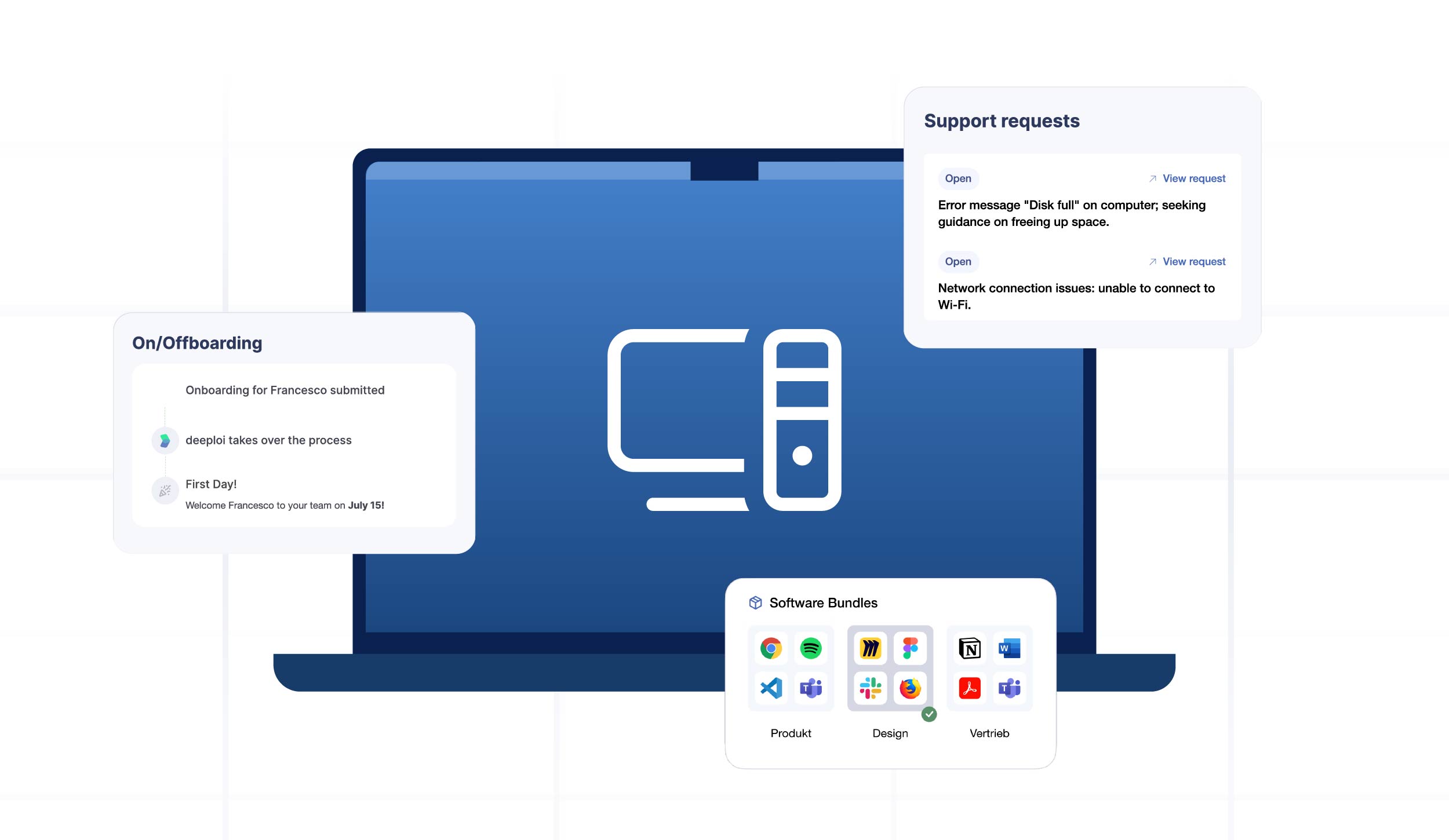
- Build role-based software bundles that include approved AI apps alongside standard tools like Slack, Google Workspace, or Microsoft 365.
- Deploy these bundles automatically during employee onboarding.
- Review and update your approved app list quarterly as the AI landscape evolves.
- Create a feedback loop. Let employees request new tools and track which requests come up most often.
This approach treats AI governance as a continuous process, not a one-time crackdown. It also ensures your software license management stays clean, since every AI tool is tracked and accounted for.
What This Looks Like in Practice
Consider a 60-person company using an IT management platform like deeploi. The marketing team receives ChatGPT Team and Canva AI in their software bundle. The development team gets GitHub Copilot. Finance hasn't adopted any AI tools yet because the vendor review for their preferred tool is still pending.
When a new hire joins, their laptop arrives pre-configured with every approved application, including AI tools relevant to their role. No manual setup, no waiting, no temptation to download something unauthorized while waiting for IT to respond.
Shadow AI incidents drop, not because the company banned anything, but because employees already have what they need. The IT integrations connect HR systems to the device management platform, so onboarding and offboarding happen automatically. When someone leaves, their access is revoked and the IT owner decides exactly what happens to accounts and data – whether to archive, transfer, or delete.
This is the difference between reactive IT management and proactive IT governance. One chases problems. The other prevents them.
FAQ
What is shadow IT and why does it matter for small businesses?
Shadow IT refers to employees using unauthorized applications on company devices without IT approval. For small businesses, this is especially risky because they often lack dedicated IT teams to monitor software installations, enforce security policies, or respond to data breaches caused by unvetted tools.
How do I create a software approval process for AI tools?
Start with three categories: approved, needs review, and blocked. Evaluate AI apps based on data privacy policies, GDPR compliance, and whether the tool trains on your company's data. Commit to fast review times, ideally 48 hours, so employees don't bypass the process.
Can MDM block specific AI apps on company laptops?
Yes. Modern MDM solutions support app whitelisting and blocklisting, allowing you to prevent specific AI applications from being installed while automatically deploying approved alternatives. This works across both macOS and Windows devices.
What's the difference between managing and banning AI apps at work?
Banning AI tools pushes employees to use personal devices or workarounds, creating even less visibility. Managing AI apps means providing approved alternatives through role-based software bundles, enforcing policies through MDM, and maintaining a feedback loop so employees can request new tools through legitimate channels. The research is clear: banning doesn't reduce usage. It just drives it underground.
How do role-based software bundles help with AI governance?
Role-based bundles ensure each team gets the AI tools they need from day one, pre-approved and automatically deployed. This reduces unauthorized installations because employees don't need to seek out their own tools. Bundles also simplify license tracking and offboarding, since every tool is centrally managed and licenses are automatically reclaimed when someone leaves.
*This article provides general guidance on managing AI applications and shadow IT in small and mid-sized businesses. It is not a substitute for professional IT security or legal advice. For company-specific governance frameworks and compliance requirements, consult a qualified IT security specialist or data protection advisor.